Hi there 👋
Welcome to Code Genos Computers, Programming and Development Blog
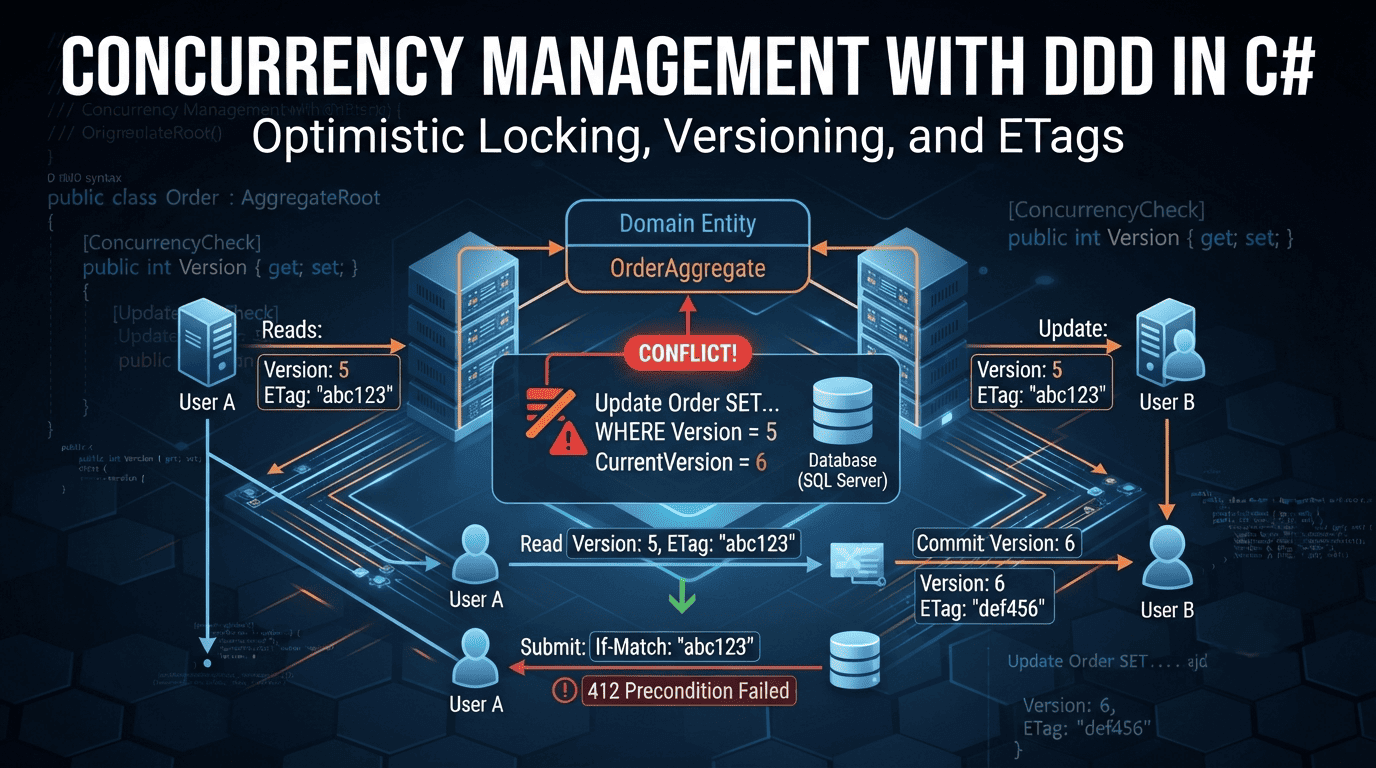
Handle concurrent updates safely in DDD with optimistic concurrency, aggregate versioning, EF Core, and ETags. Includes production-ready C# snippets.
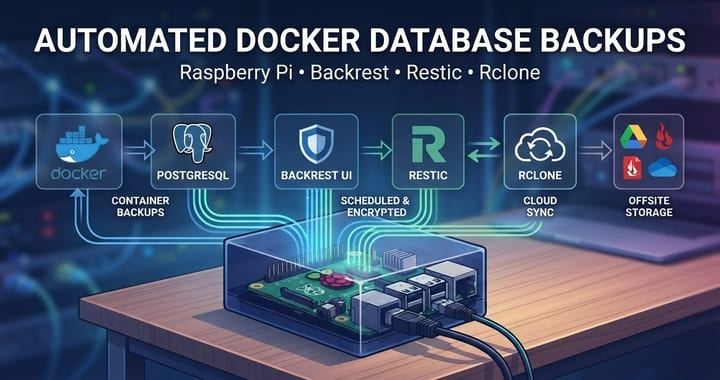
Running databases on a home lab Raspberry Pi is fine — until the SD card dies and you realize you had no consistent backups. This guide walks through a production-grade backup pipeline using Backrest, Restic, and Rclone, with pre-backup hooks that dump PostgreSQL and MongoDB before the snapshot even starts.
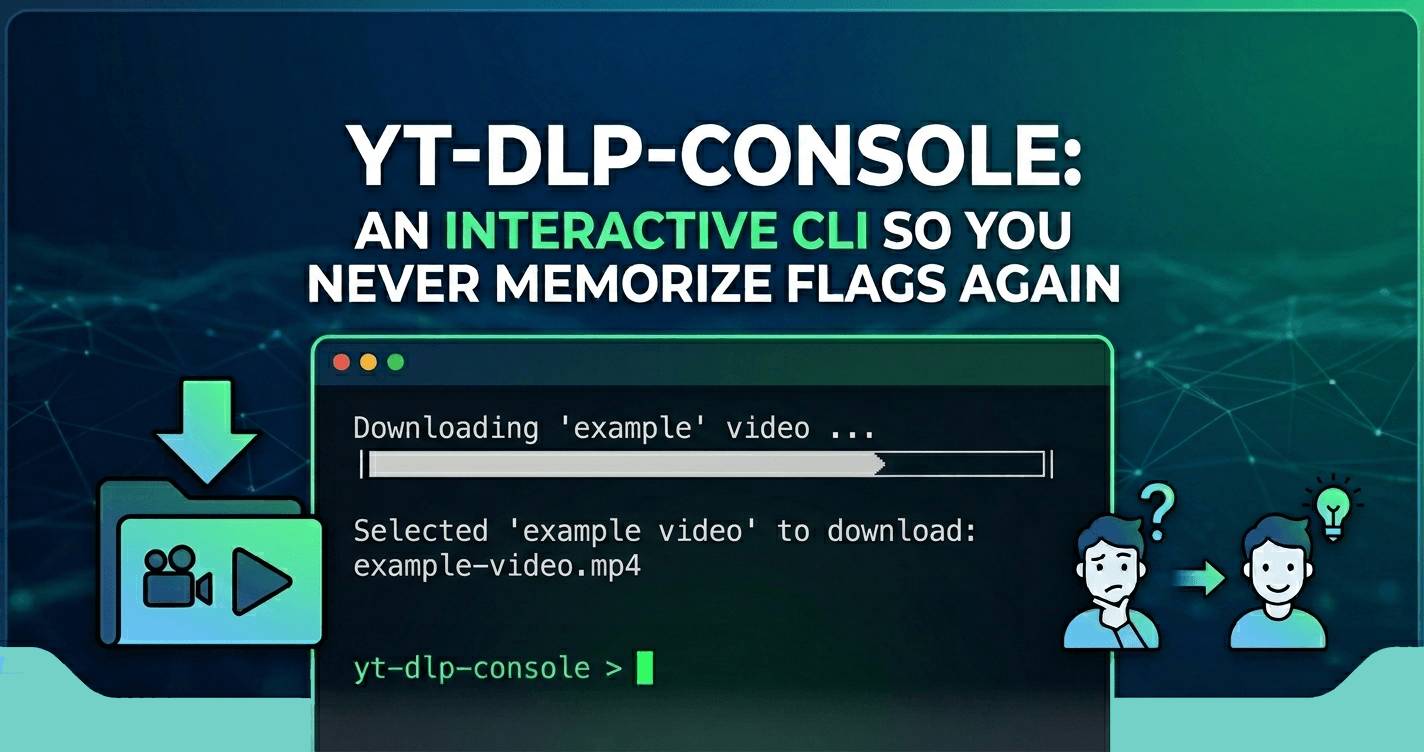
Every time I needed to download a video with yt-dlp, I’d end up Googling the same flags. So I built yt-dlp-console — an interactive terminal wrapper that guides you through the whole process without memorizing a single flag.
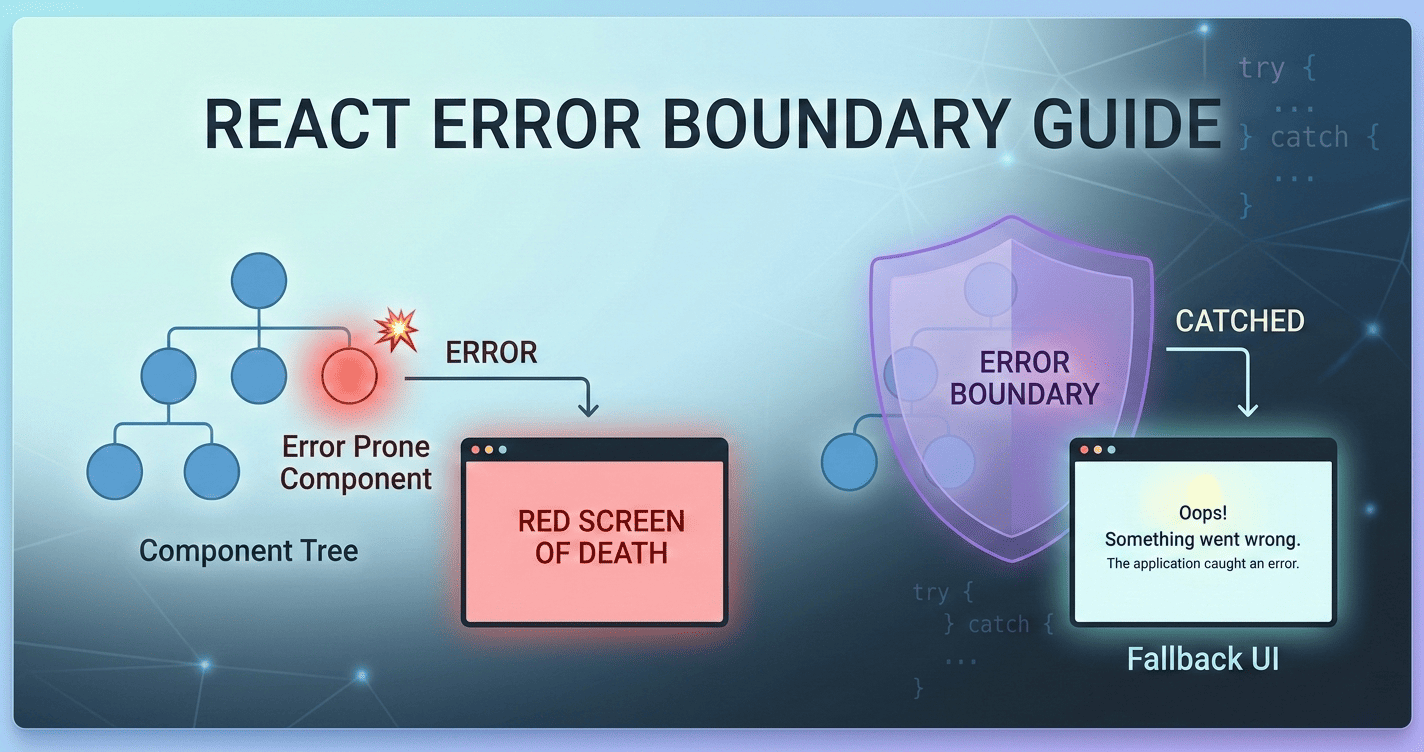
Your React app showed a blank white screen — here is how to prevent it. Walk through rendering vs. runtime errors, class-based Error Boundary implementation, and the react-error-boundary library with practical code examples.
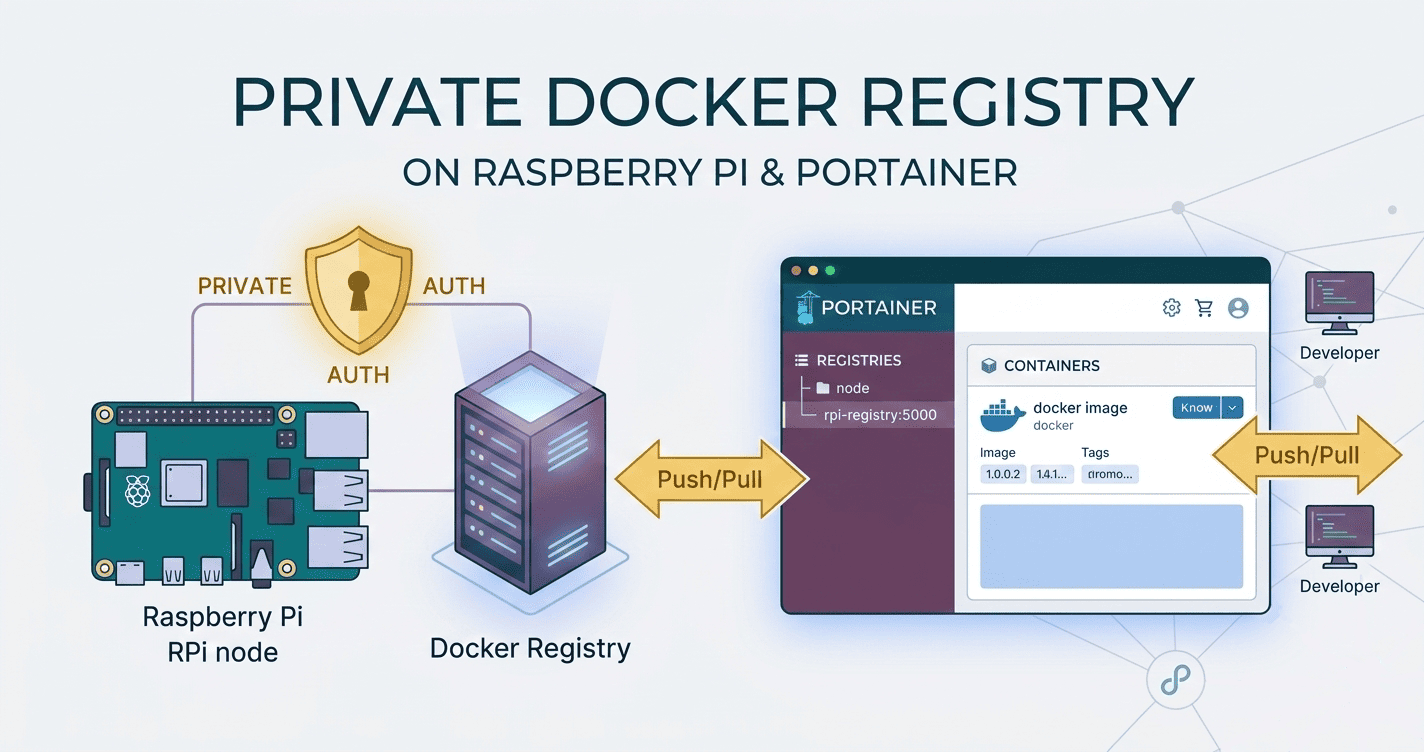
Run your own private Docker image registry on a Raspberry Pi using Portainer. This guide uses HTTP only (no TLS) with basic auth enabled. You will deploy the registry and a web UI via a Portainer Stack, configure clients to allow an insecure registry, and verify everything works on your home network. Note: A registry is the server (e.g., registry:2). Repositories are image collections inside the registry. TL;DR Image: registry:2 Runs on LAN over HTTP: :5000 (no TLS) UI: joxit/docker-registry-ui:latest on :5001 Auth: htpasswd basic auth Persist storage: bind mount /var/lib/registry Clients: add 192.168.1.100:5000 to Docker insecure-registries Prerequisites Raspberry Pi 4/5 (ARM64 preferred) Raspberry Pi OS 64‑bit or another 64‑bit Linux Docker and Portainer CE installed on Raspberry Pi A stable hostname or IP (e.g., 192.168.1.100) Check architecture: ...