Managing Multiple Github Accounts with Git Credential Manager

Managing Multiple Github Accounts with Git Credential Manager

If you have more than one github account and want to contribute your projects from one computer, you can manage accounts using git credential manager. Step 1 Install git credential manager. (You can read install instructions) For debian users, download the latest .deb package, and run the following: sudo dpkg -i <path-to-package> Step 2 Configure git credential manager: git-credential-manager configure Output Configuring component 'Git Credential Manager'... Configuring component 'Azure Repos provider'... Step 3 To configure Git to cache credentials for the full remote URL of each repository you access on GitHub, enter the following command. ...

August 13, 2023 · 3 min · 585 words · CodeGenos
Ubuntu: Fix Touchpad Tap-to-Click via Xorg (libinput)

Ubuntu: Fix Touchpad Tap-to-Click via Xorg (libinput)

Problem Tap-to-click on the touchpad was not working after I installed Ubuntu. Here are quick and advanced fixes. Note: This guide’s fix targets Xorg. Under Xorg, the libinput driver reads options from xorg.conf.d, so we can enforce Tapping system-wide. On Wayland, these options are managed by GNOME; use the GUI toggle instead—Xorg configs do not apply to Wayland sessions. TL;DR / Quick start Wayland/GUI: Settings → Mouse & Touchpad → enable “Tap to Click”. Xorg (terminal): create config and enable tapping, then re-login. # Create config dir and write touchpad config sudo install -d /etc/X11/xorg.conf.d/ sudo tee /etc/X11/xorg.conf.d/30-touchpad.conf >/dev/null <<'EOF' Section "InputClass" Identifier "libinput touchpad" MatchIsTouchpad "on" MatchDriver "libinput" Driver "libinput" Option "Tapping" "on" Option "TappingButtonMap" "lmr" EndSection EOF # Reboot or log out/in, then verify grep -i "Using input driver 'libinput'" /var/log/Xorg.0.log || \ grep -i "Using input driver 'libinput'" ~/.local/share/xorg/Xorg.0.log || \ sudo journalctl -b _COMM=Xorg | grep -i "Using input driver 'libinput'" Quick fix (GUI/Wayland) If you use Wayland or the default GNOME session: ...

August 11, 2023 · 3 min · 565 words · CodeGenos
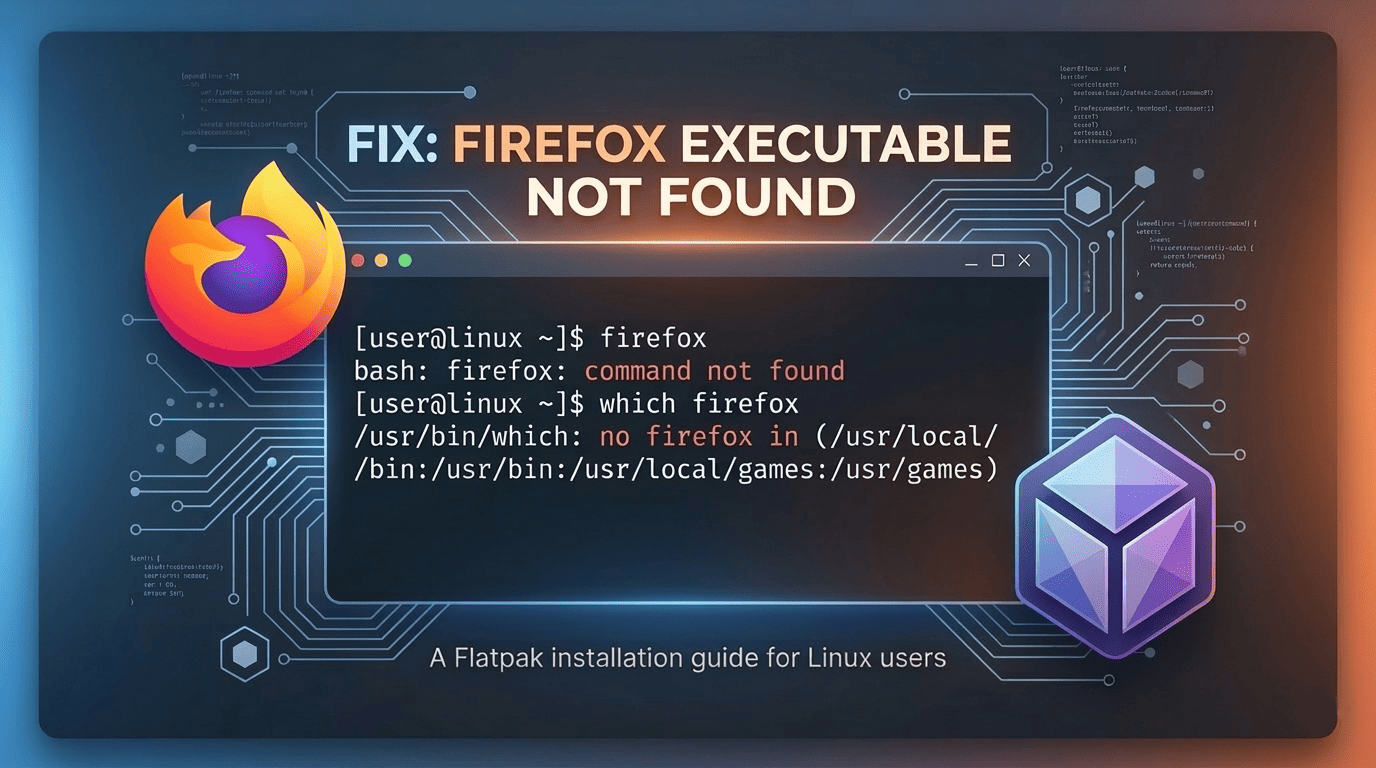
Firefox Executable File not Found in $PATH for Flatpak on Linux

Firefox Executable File not Found in $PATH for Flatpak on Linux

Intro When an application is installed via apt package management tool, you can start running the application when you type the application name in terminal, for example firefox. But when you install the application with Flatpak utility you must run the Flatpak application using this command: flatpak run org.mozilla.firefox Problem But when i want to authenticate my command-line sessions with GitHub using Github CLI Tool command gh auth login with HTTPS protocol and Login with a web browser options, i get this error: ...

August 8, 2023 · 4 min · 736 words · CodeGenos