Pass Docker Env Variables to Vite Containerized Vue.js on Docker Run

Pass Docker Env Variables to Vite Containerized Vue.js on Docker Run

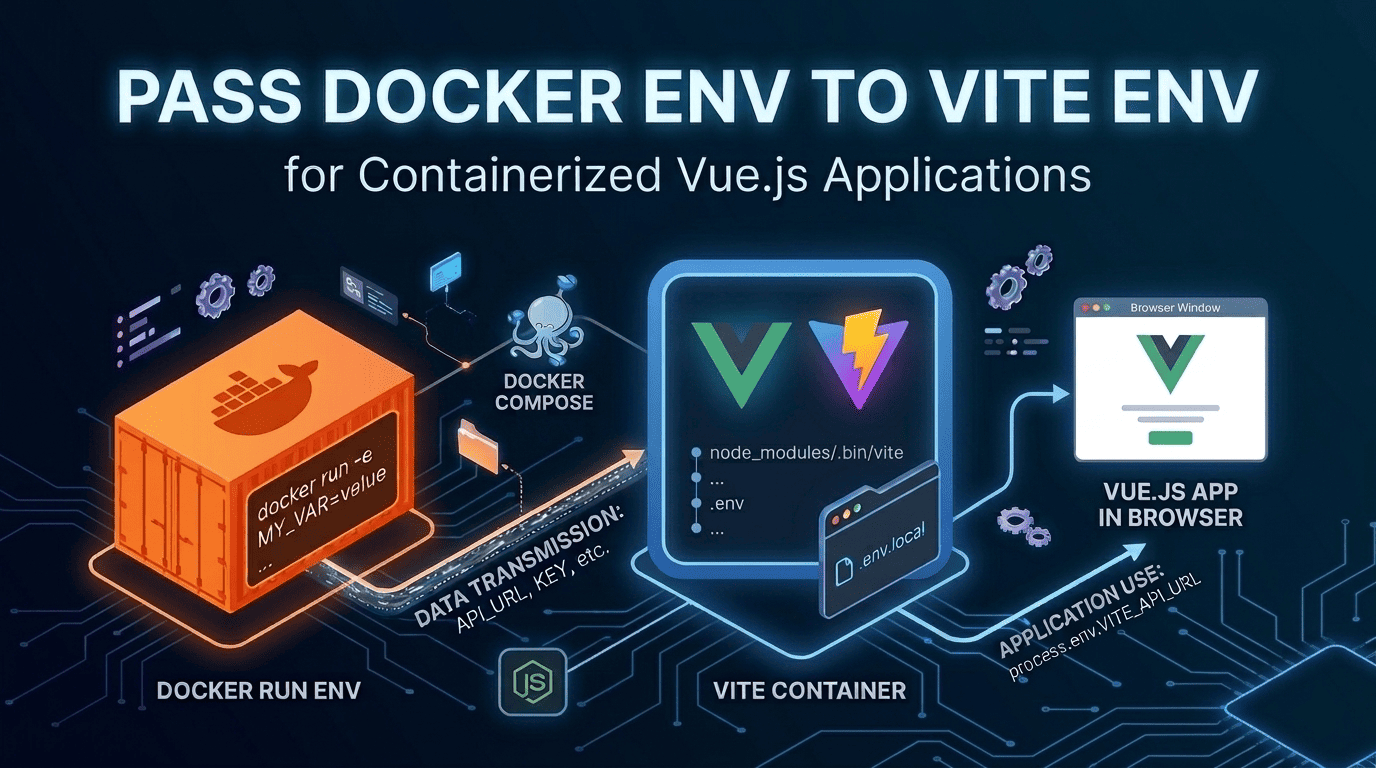
Environment variables can only be used in Vue.js applications at build time and the variables are hardcoded in javascript files during build. When you build docker image for the Vue.js application, you use the same image for test and production environments. But the Vue.js application config values can be different in test and production environments. For example: api url configuration value. Since the variables are different in those environments you must pass the configuration values for test and production environments at docker run: ...

September 13, 2023 · 4 min · 768 words · CodeGenos
How to Transfer Files with scp on Linux

How to Transfer Files with scp on Linux

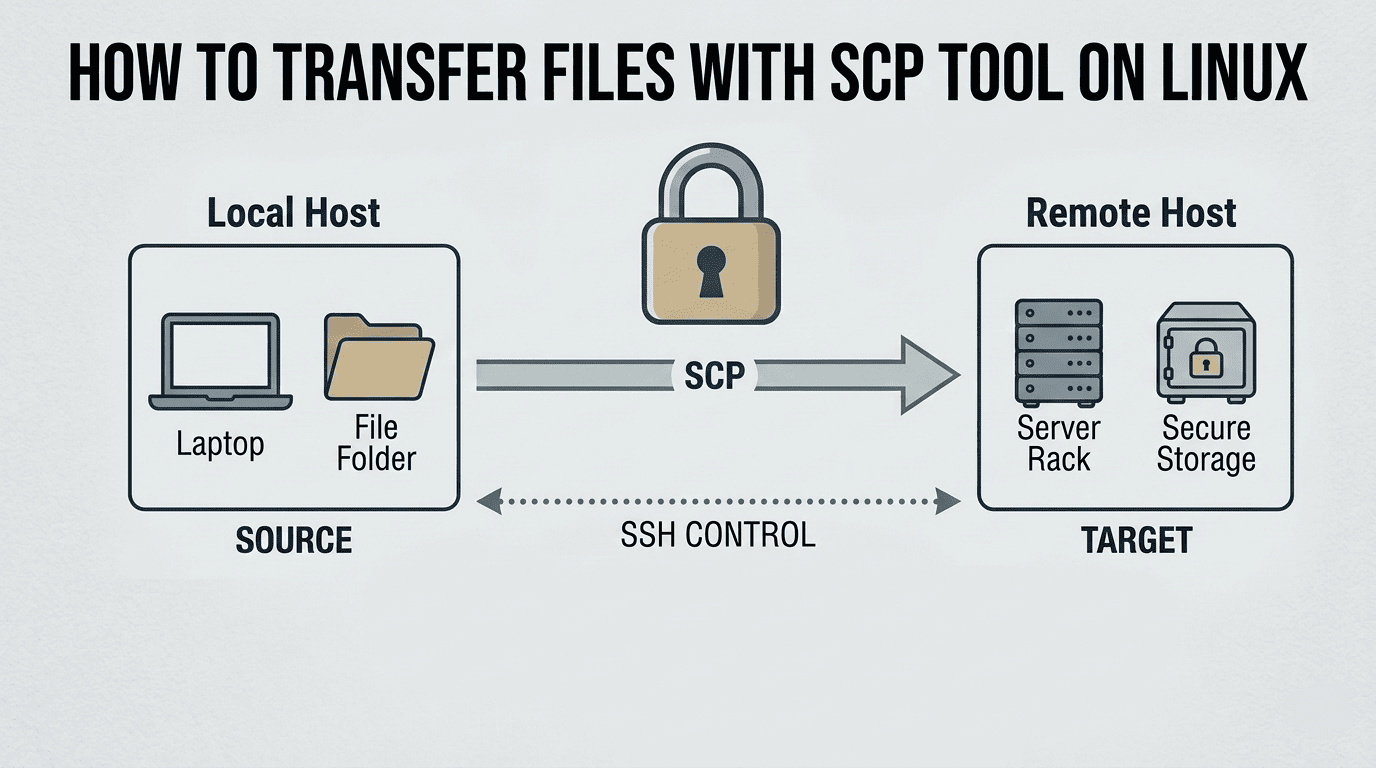
Need to copy files to a headless Raspberry Pi over SSH? The scp command lets you securely transfer files and folders between machines on Linux. This guide covers local↔remote and remote↔remote copies, plus useful flags. What is the scp command? scp (secure copy) securely transfers files over an SSH connection. It uses the same authentication and encryption as SSH. In plain terms, scp is like copying a file from one folder to another, except the other “folder” is a computer you can reach over SSH. It’s simple, fast to use for everyday tasks, and available on most Linux and macOS systems by default. ...

September 8, 2023 · 4 min · 725 words · CodeGenos
Typescript: Extend Array type with sum count avg min max Aggregates

Typescript: Extend Array type with sum count avg min max Aggregates

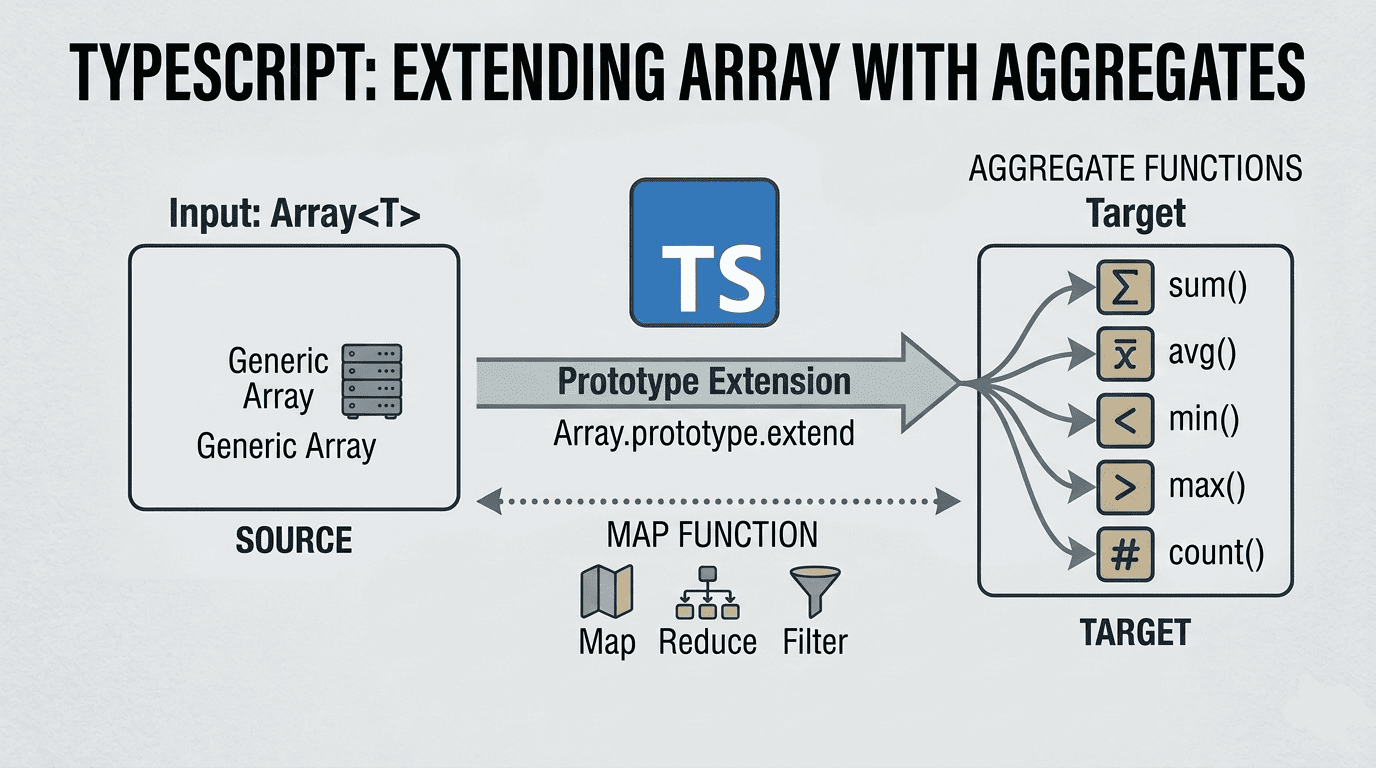
In this article i’ll show you how to implement sum, count, avg, min and max aggregate functions that applies to all Array instances in typescript. First we will learn how to extend Array type: Extend Array prototype In javascript, you can extend an existing class by adding a new function to its prototype without modifying its source code. To add new function to Array type, you basically set the new function to Array.prototype.<functionName> and you can use the new function for all the instances of the class you create. ...

September 3, 2023 · 4 min · 770 words · CodeGenos
How to Reduce Node.js Docker Image Size?

How to Reduce Node.js Docker Image Size?

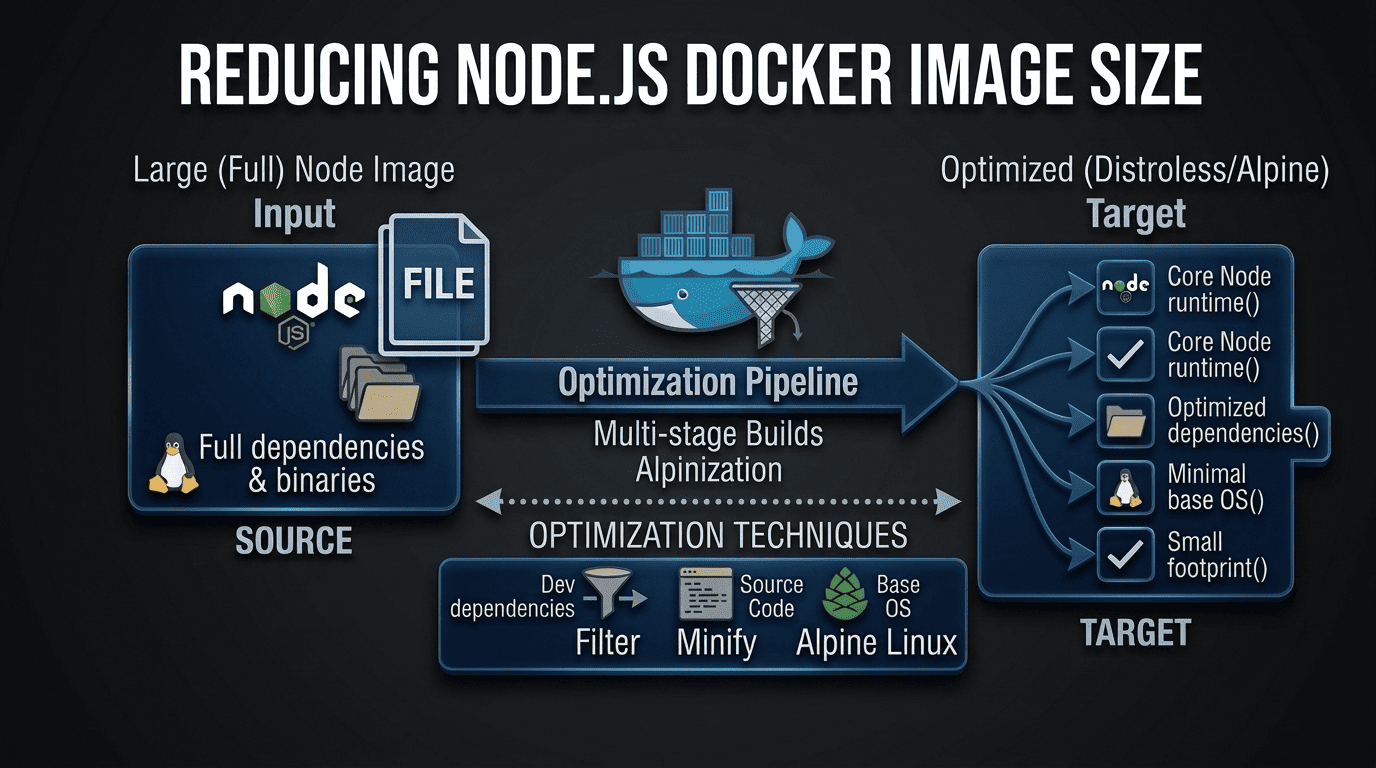
I had a web application which is written in Node.js and I wanted to dockerize it. So went to the Node.js official site and found Dockerizing a Node.js web app article. I created the Dockerfile as it says in the article. Then I built the docker image with docker build, the created image size was 1.09GB Dockerfile which produce 1.09GB docker image FROM node:18 # Create app directory WORKDIR /usr/src/app # Install app dependencies # A wildcard is used to ensure both package.json AND package-lock.json are copied # where available (npm@5+) COPY package*.json ./ RUN npm install # If you are building your code for production # RUN npm ci --omit=dev # Bundle app source COPY . . EXPOSE 8080 CMD [ "node", "server.js" ] Bigger images requires disk space and downloading them takes longer time. 1GB size was too big for me and i thought it could be reduced and investigated. ...

August 30, 2023 · 4 min · 646 words · CodeGenos
Build Multi-Platform Docker Images with Docker Buildx

Build Multi-Platform Docker Images with Docker Buildx

Intro I developed a Node.js application and wanted to run it on a Raspberry Pi in a Docker container. I built a Docker image on my x64 laptop (Ubuntu) and pushed it to Docker Hub. On the Raspberry Pi, I pulled the image and tried to run the container — but it failed with exit code 139. Problem By default, docker build creates an image for the architecture of the machine you build on. In my case, I produced an amd64 image on an amd64 machine. A Raspberry Pi 3 Model B typically runs a 32‑bit OS, so it expects linux/arm/v7 (armhf). It will only use linux/arm64 if you run a 64‑bit OS. The architecture mismatch caused the runtime error. ...

August 27, 2023 · 4 min · 735 words · CodeGenos