How to Install a Private Docker Registry on Raspberry Pi with Portainer (Home Network)

How to Install a Private Docker Registry on Raspberry Pi with Portainer (Home Network)

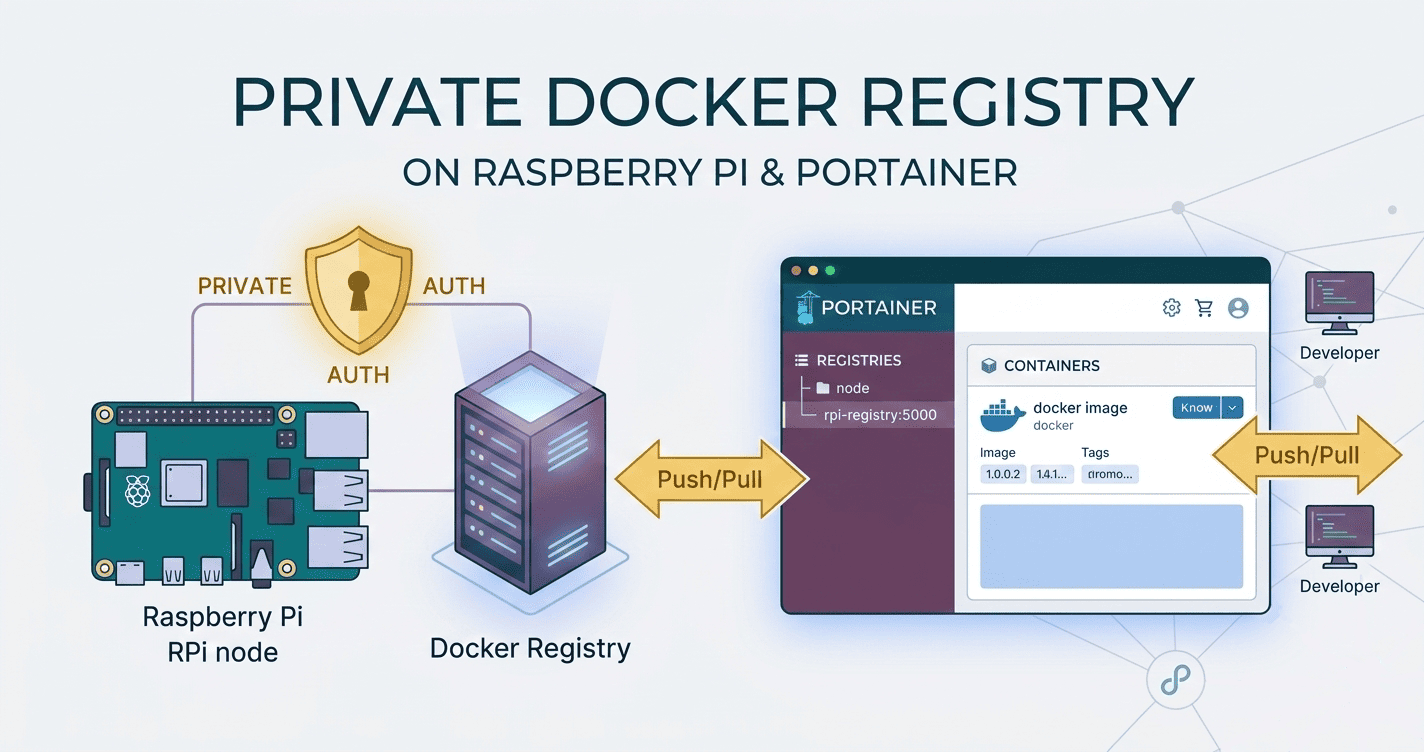
Run your own private Docker image registry on a Raspberry Pi using Portainer. This guide uses HTTP only (no TLS) with basic auth enabled. You will deploy the registry and a web UI via a Portainer Stack, configure clients to allow an insecure registry, and verify everything works on your home network. Note: A registry is the server (e.g., registry:2). Repositories are image collections inside the registry. TL;DR Image: registry:2 Runs on LAN over HTTP: :5000 (no TLS) UI: joxit/docker-registry-ui:latest on :5001 Auth: htpasswd basic auth Persist storage: bind mount /var/lib/registry Clients: add 192.168.1.100:5000 to Docker insecure-registries Prerequisites Raspberry Pi 4/5 (ARM64 preferred) Raspberry Pi OS 64‑bit or another 64‑bit Linux Docker and Portainer CE installed on Raspberry Pi A stable hostname or IP (e.g., 192.168.1.100) Check architecture: ...

August 24, 2025 · 5 min · 980 words · CodeGenos
How to Self-Host n8n on Raspberry Pi 4 (ARM64) with Docker Compose

How to Self-Host n8n on Raspberry Pi 4 (ARM64) with Docker Compose

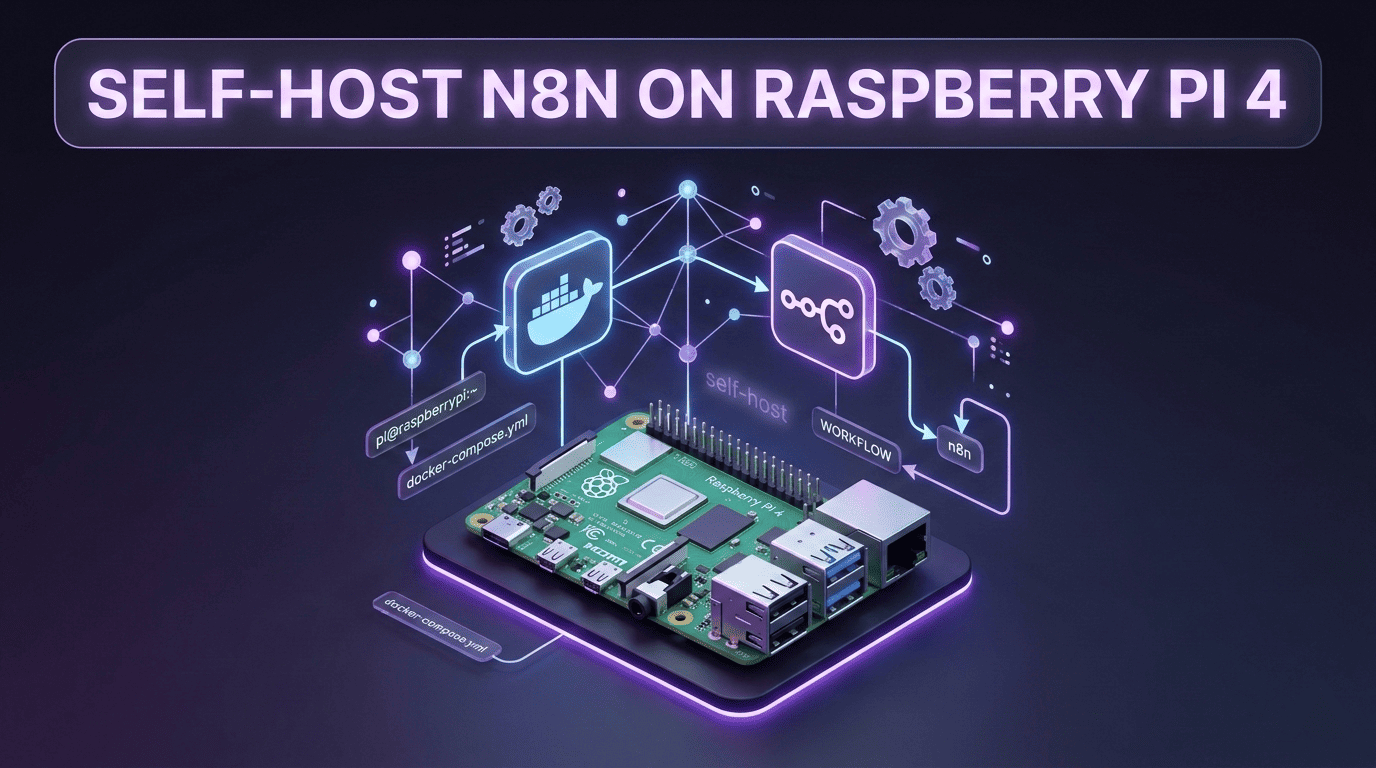
This guide shows a clean, reliable way to run n8n on a Raspberry Pi 4 using Docker Compose. 📝 Note: I want to use this setup primarily for AI workflows (transcription, summarization, RAG, content drafting). What is n8n? n8n is an open‑source, self‑hostable workflow automation tool. You build automations by connecting nodes in a visual editor: Triggers like webhooks, schedules/cron, IMAP, polling start a workflow; you transform data, branch logic, handle errors, and call services/APIs or databases. ...

August 16, 2025 · 5 min · 993 words · CodeGenos
Build Multi-Platform Docker Images with Docker Buildx

Build Multi-Platform Docker Images with Docker Buildx

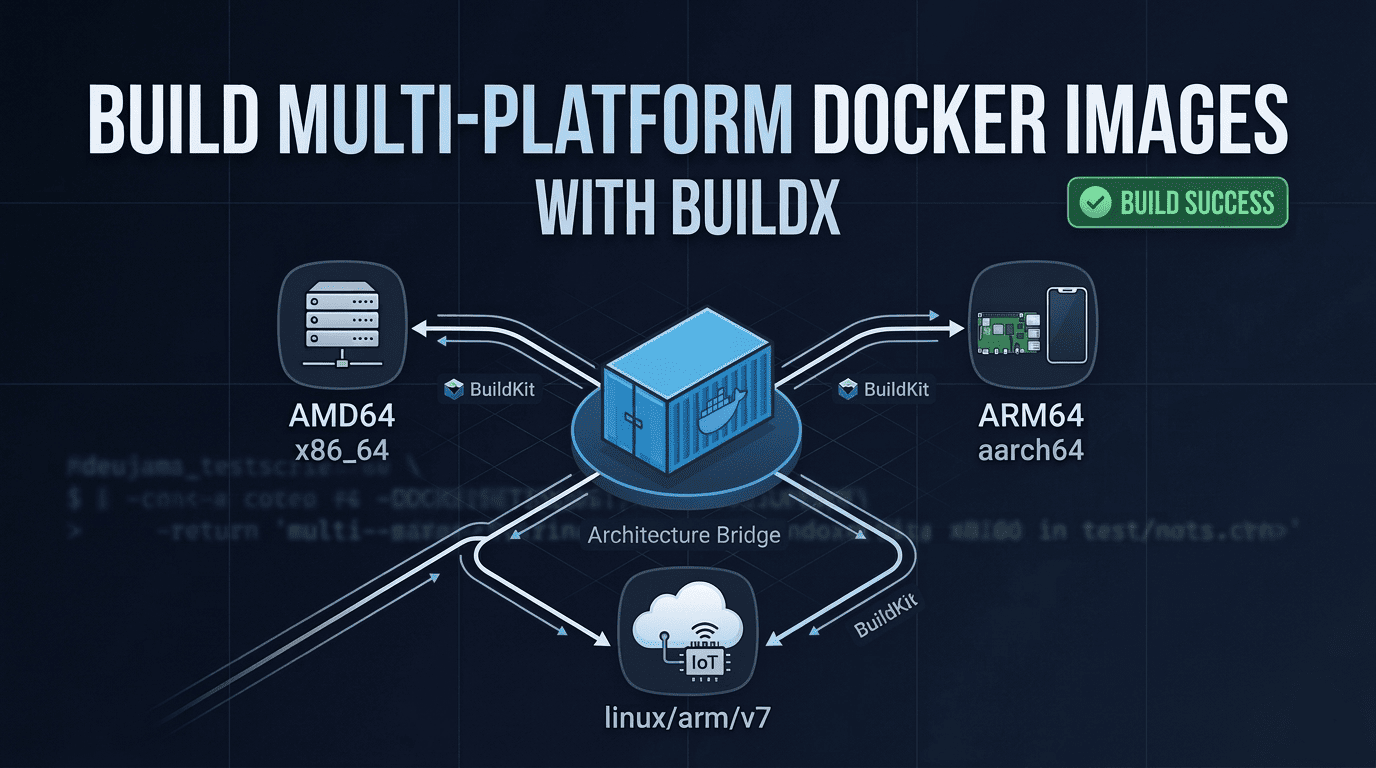
Intro I developed a Node.js application and wanted to run it on a Raspberry Pi in a Docker container. I built a Docker image on my x64 laptop (Ubuntu) and pushed it to Docker Hub. On the Raspberry Pi, I pulled the image and tried to run the container — but it failed with exit code 139. Problem By default, docker build creates an image for the architecture of the machine you build on. In my case, I produced an amd64 image on an amd64 machine. A Raspberry Pi 3 Model B typically runs a 32‑bit OS, so it expects linux/arm/v7 (armhf). It will only use linux/arm64 if you run a 64‑bit OS. The architecture mismatch caused the runtime error. ...

August 27, 2023 · 4 min · 735 words · CodeGenos