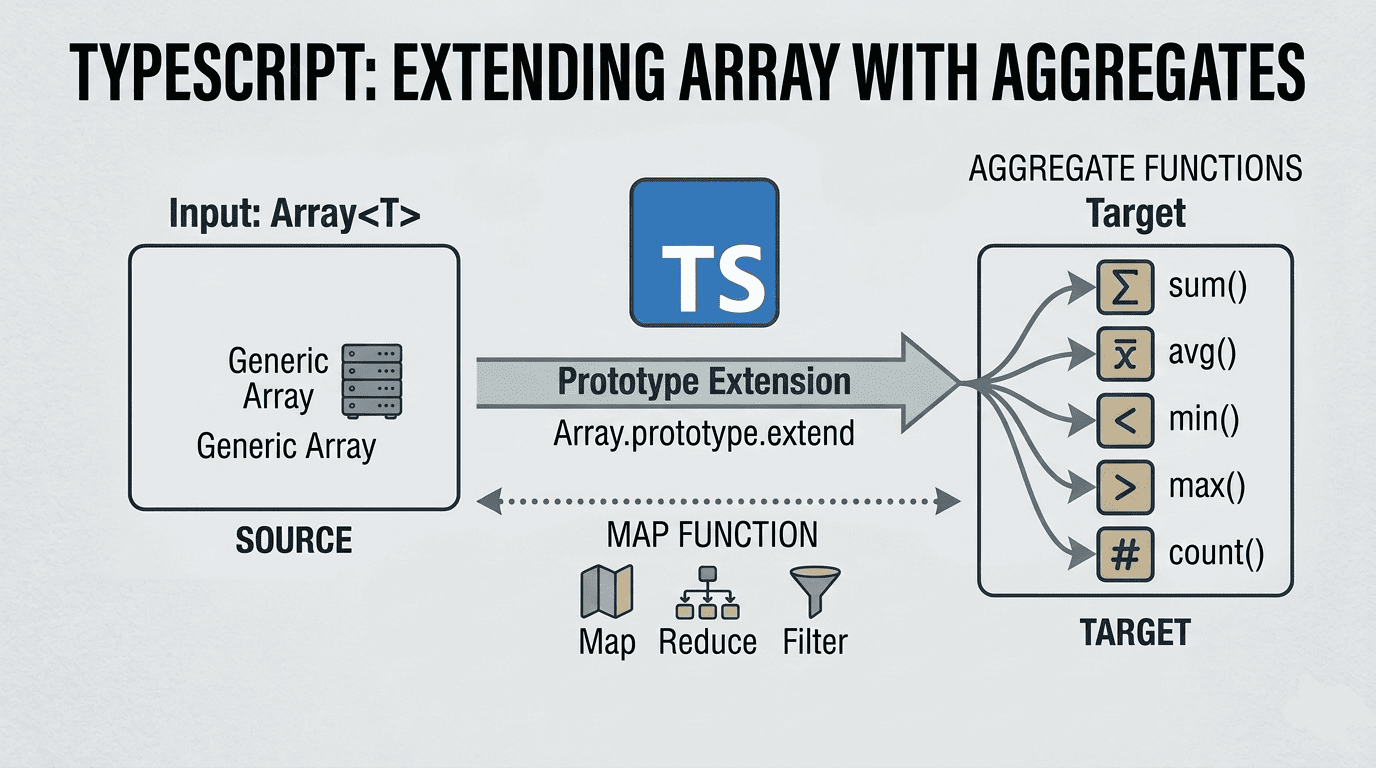
Typescript: Extend Array type with sum count avg min max Aggregates

Typescript: Extend Array type with sum count avg min max Aggregates

In this article i’ll show you how to implement sum, count, avg, min and max aggregate functions that applies to all Array instances in typescript. First we will learn how to extend Array type: Extend Array prototype In javascript, you can extend an existing class by adding a new function to its prototype without modifying its source code. To add new function to Array type, you basically set the new function to Array.prototype.<functionName> and you can use the new function for all the instances of the class you create. ...

September 3, 2023 · 4 min · 770 words · CodeGenos
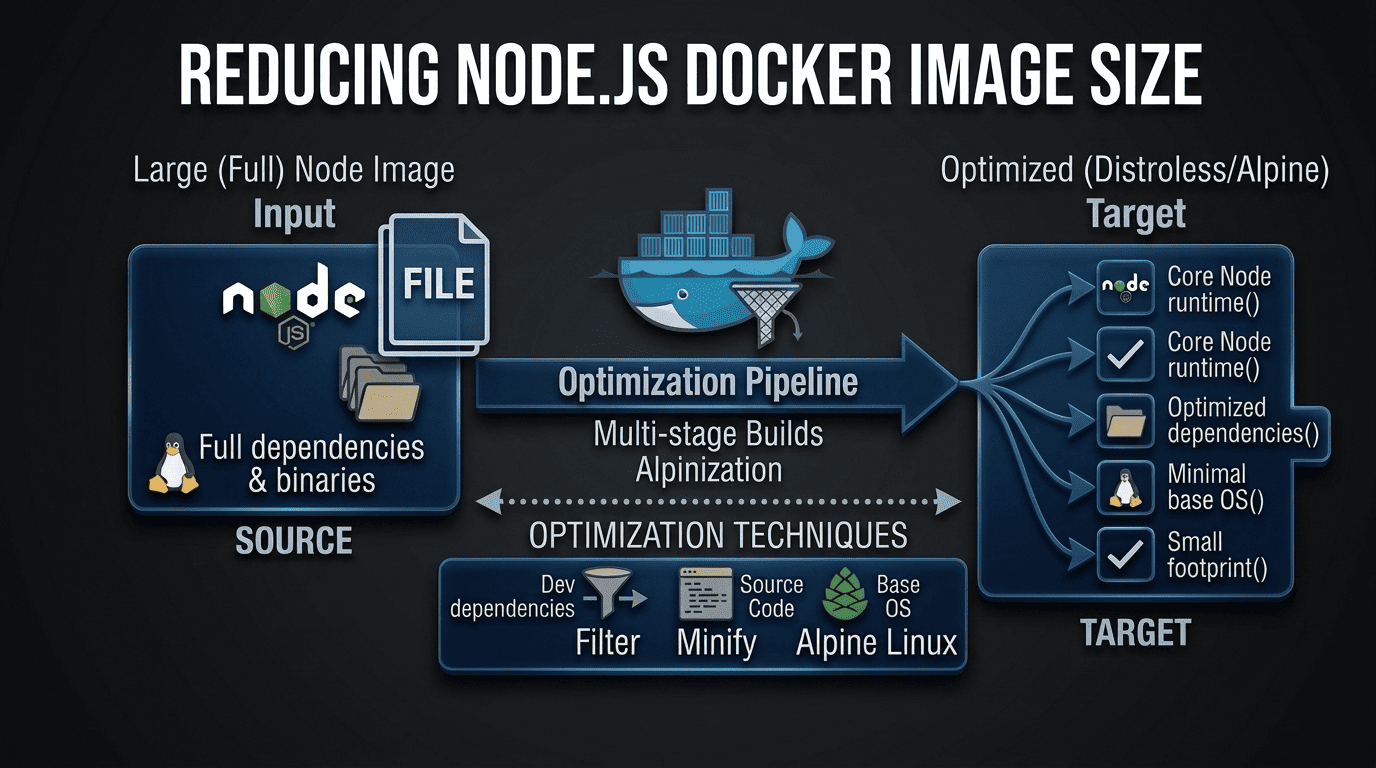
How to Reduce Node.js Docker Image Size?

How to Reduce Node.js Docker Image Size?

I had a web application which is written in Node.js and I wanted to dockerize it. So went to the Node.js official site and found Dockerizing a Node.js web app article. I created the Dockerfile as it says in the article. Then I built the docker image with docker build, the created image size was 1.09GB Dockerfile which produce 1.09GB docker image FROM node:18 # Create app directory WORKDIR /usr/src/app # Install app dependencies # A wildcard is used to ensure both package.json AND package-lock.json are copied # where available (npm@5+) COPY package*.json ./ RUN npm install # If you are building your code for production # RUN npm ci --omit=dev # Bundle app source COPY . . EXPOSE 8080 CMD [ "node", "server.js" ] Bigger images requires disk space and downloading them takes longer time. 1GB size was too big for me and i thought it could be reduced and investigated. ...

August 30, 2023 · 4 min · 646 words · CodeGenos
Build Multi-Platform Docker Images with Docker Buildx

Build Multi-Platform Docker Images with Docker Buildx

Intro I developed a Node.js application and wanted to run it on a Raspberry Pi in a Docker container. I built a Docker image on my x64 laptop (Ubuntu) and pushed it to Docker Hub. On the Raspberry Pi, I pulled the image and tried to run the container — but it failed with exit code 139. Problem By default, docker build creates an image for the architecture of the machine you build on. In my case, I produced an amd64 image on an amd64 machine. A Raspberry Pi 3 Model B typically runs a 32‑bit OS, so it expects linux/arm/v7 (armhf). It will only use linux/arm64 if you run a 64‑bit OS. The architecture mismatch caused the runtime error. ...

August 27, 2023 · 4 min · 735 words · CodeGenos
Managing Multiple Github Accounts with Git Credential Manager

Managing Multiple Github Accounts with Git Credential Manager

If you have more than one github account and want to contribute your projects from one computer, you can manage accounts using git credential manager. Step 1 Install git credential manager. (You can read install instructions) For debian users, download the latest .deb package, and run the following: sudo dpkg -i <path-to-package> Step 2 Configure git credential manager: git-credential-manager configure Output Configuring component 'Git Credential Manager'... Configuring component 'Azure Repos provider'... Step 3 To configure Git to cache credentials for the full remote URL of each repository you access on GitHub, enter the following command. ...

August 13, 2023 · 3 min · 585 words · CodeGenos
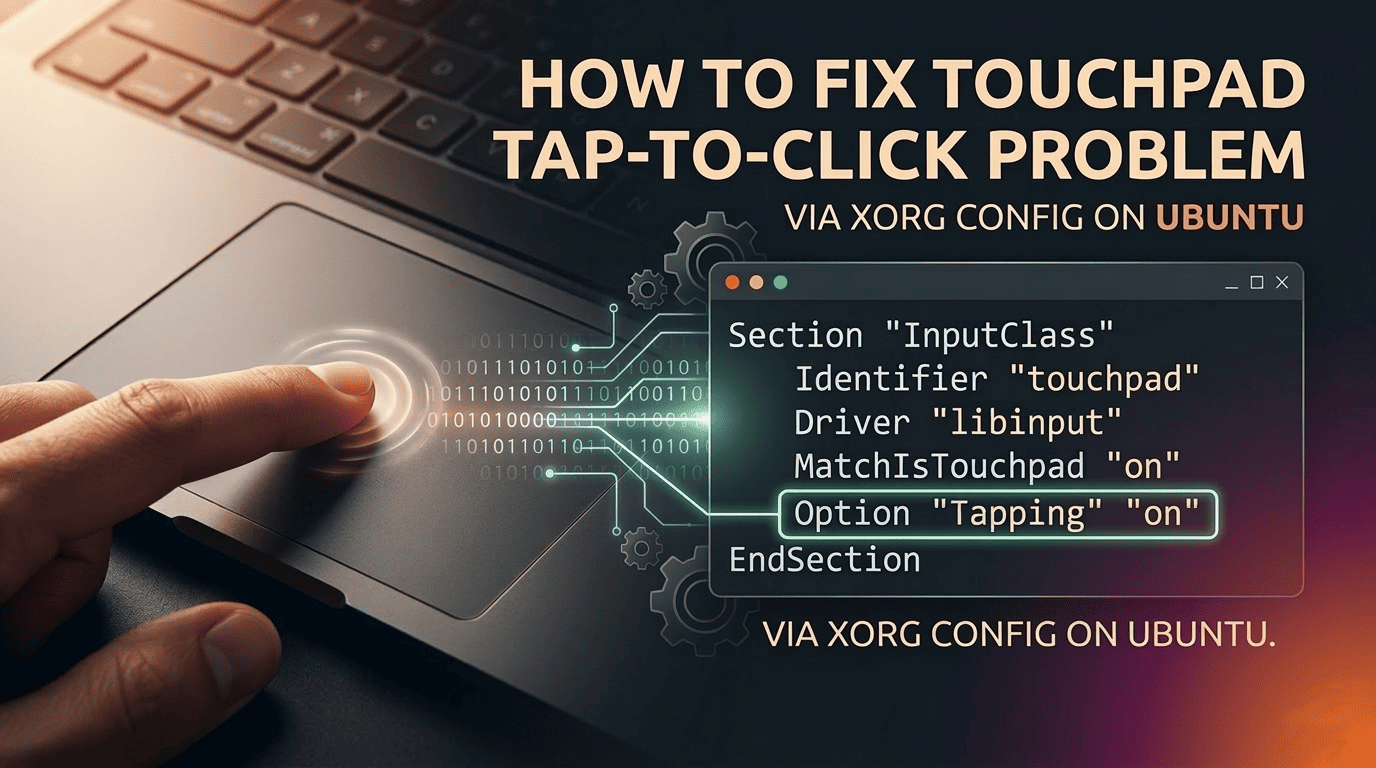
Ubuntu: Fix Touchpad Tap-to-Click via Xorg (libinput)

Ubuntu: Fix Touchpad Tap-to-Click via Xorg (libinput)

Problem Tap-to-click on the touchpad was not working after I installed Ubuntu. Here are quick and advanced fixes. Note: This guide’s fix targets Xorg. Under Xorg, the libinput driver reads options from xorg.conf.d, so we can enforce Tapping system-wide. On Wayland, these options are managed by GNOME; use the GUI toggle instead—Xorg configs do not apply to Wayland sessions. TL;DR / Quick start Wayland/GUI: Settings → Mouse & Touchpad → enable “Tap to Click”. Xorg (terminal): create config and enable tapping, then re-login. # Create config dir and write touchpad config sudo install -d /etc/X11/xorg.conf.d/ sudo tee /etc/X11/xorg.conf.d/30-touchpad.conf >/dev/null <<'EOF' Section "InputClass" Identifier "libinput touchpad" MatchIsTouchpad "on" MatchDriver "libinput" Driver "libinput" Option "Tapping" "on" Option "TappingButtonMap" "lmr" EndSection EOF # Reboot or log out/in, then verify grep -i "Using input driver 'libinput'" /var/log/Xorg.0.log || \ grep -i "Using input driver 'libinput'" ~/.local/share/xorg/Xorg.0.log || \ sudo journalctl -b _COMM=Xorg | grep -i "Using input driver 'libinput'" Quick fix (GUI/Wayland) If you use Wayland or the default GNOME session: ...

August 11, 2023 · 3 min · 565 words · CodeGenos